
AI search
AI Search For Notes You Cannot Remember Exactly
A.N.T. gives you more than a pile to search. Folder paths, titles, and organized outputs help narrow the memory first.
The outcome
Find the note even when you do not remember the exact words.
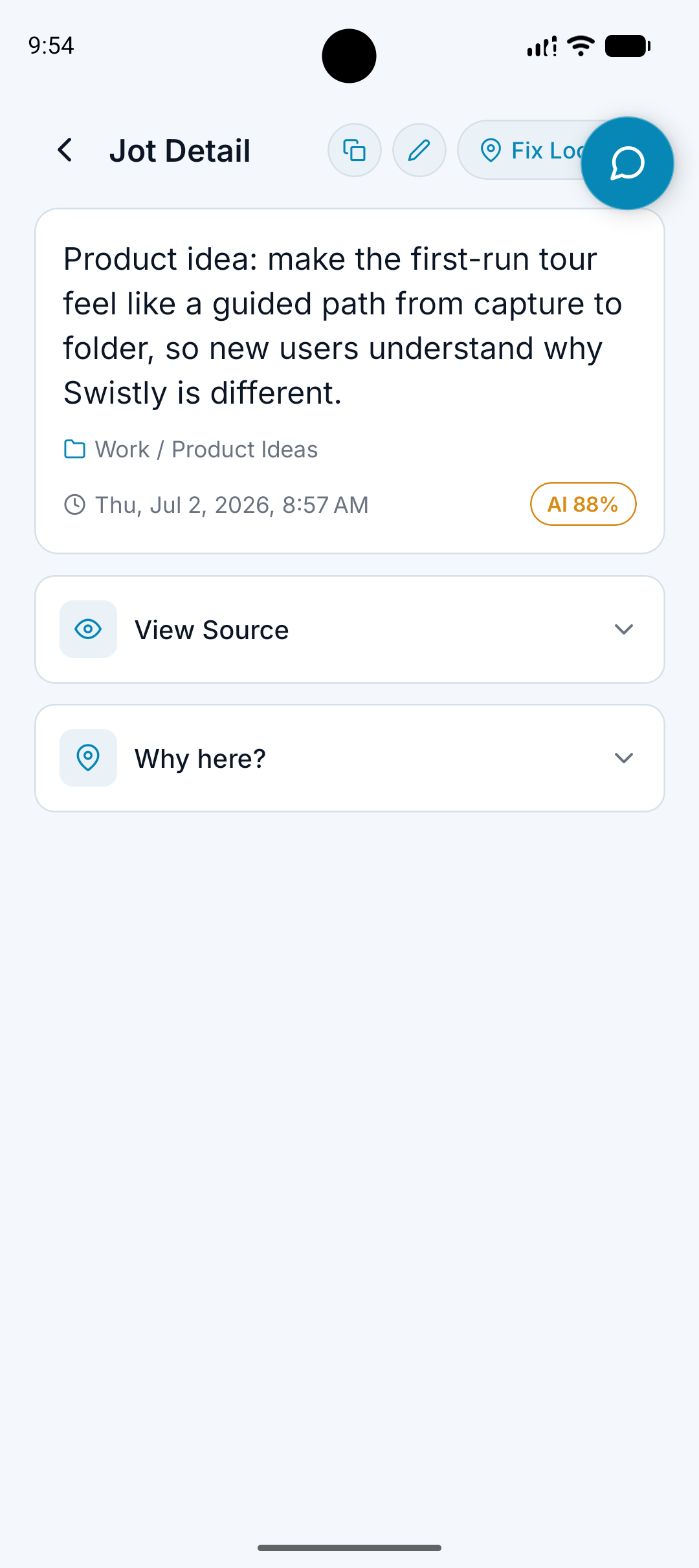
What it does
Lets you search notes naturally.
Uses titles, content, and folder context.
Helps retrieve notes, lists, tasks, ideas, and meetings.
Works with browsing instead of replacing it.
Why it matters
Search alone is weaker when every note is dumped into one place.
People often remember the context, not the exact wording.
Organized folders give search better clues.
How it works
Step 1
Ask naturally
Search with the kind of phrase you actually remember.
Step 2
Use the structure
A.N.T. can use folder paths, note titles, and content to find likely matches.
Step 3
Open the source if needed
If the organized note needs verification, the original source can stay available where supported.
Search example
"Find the thing I said about a Facebook short form video for the app."
A.N.T. creates:
- Searches across content idea notes.
- Uses folder context such as Business / A.N.T. / Content Ideas.
- Returns the organized video idea instead of making you scroll.
Questions this feature answers
Why does organization matter if there is AI search?
Organization gives search stronger context. A smaller, better-labeled set of notes is easier to retrieve from than one giant pile.
Can I still browse folders?
Yes. A.N.T. is built around both browsing and searching.
Related features
Your personal AI memory assistant
Capture it now.
Find it when you need it.
AI voice notes that organize themselves. Speak a thought, task, reminder, or meeting — A.N.T. AI files it where you'll actually find it later.


iOS & Android