Source review
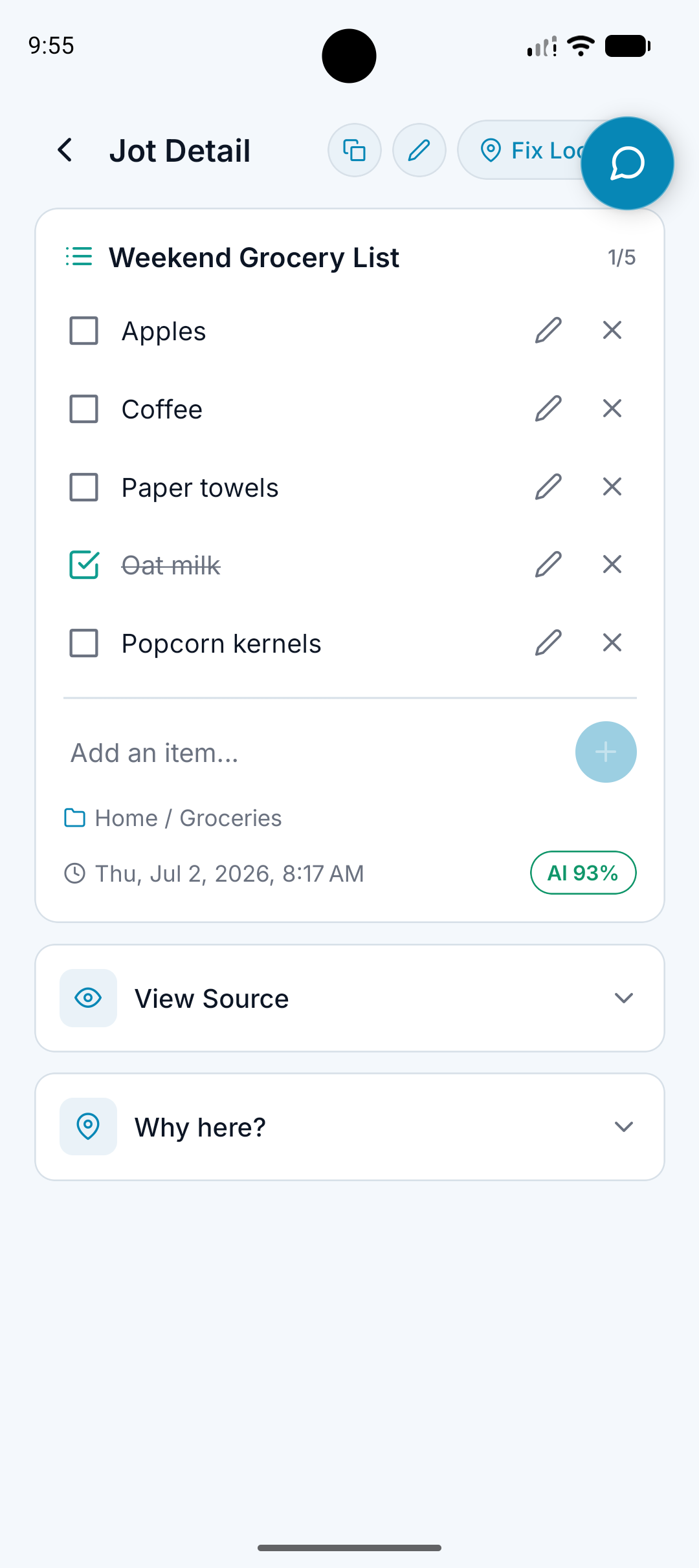
View Source For Original Words
A clean note is useful, but the original source still matters when details are important.
The outcome
Use the organized version without losing what was originally said.
What it does
Keeps source material available where supported.
Lets you review the original recording or transcript.
Separates clean organization from the raw capture.
Helps reduce blind trust in AI output.
Why it matters
Transcripts and summaries can miss details.
Important notes should be checkable.
Preserving the source gives the organized note a reference point.
How it works
Step 1
Capture the note
Record or upload the original audio.
Step 2
A.N.T. creates the useful version
The note is cleaned, titled, classified, and filed.
Step 3
Review the source
When needed, open the original source to verify what was captured.
Source example
"A meeting note says the client wanted the proposal on Friday, but you want to confirm the wording."
A.N.T. creates:
- Open the meeting note.
- Use View Source to check the transcript or recording.
- Confirm the follow-up without relying only on the summary.
Questions this feature answers
Why keep the source if the note is already cleaned up?
Because AI can be wrong or incomplete. The source gives you a way to check important details.
Does every note have a source?
Voice notes, meetings, and uploaded audio can have source material where supported. Typed notes may not need the same source view.
Related features
Your personal AI memory assistant
Capture it now.
Find it when you need it.
AI voice notes that organize themselves. Speak a thought, task, reminder, or meeting — A.N.T. AI files it where you'll actually find it later.


iOS & Android