
Quick capture
Capture Notes On The Go
A.N.T. is built for the moments when stopping to choose a folder would make you lose the thought.
The outcome
Get the idea out of your head without doing the filing first.
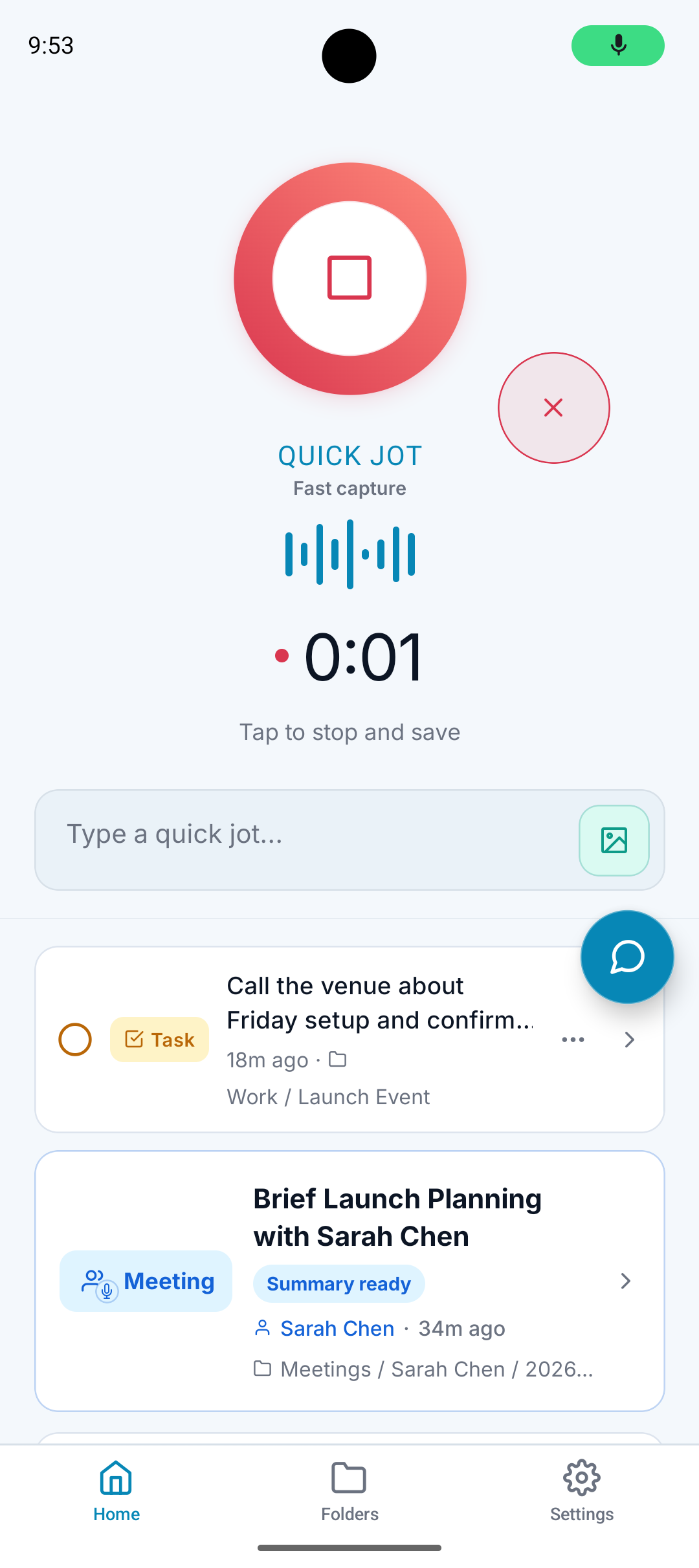
What it does
Gives you a fast place to record or type a note.
Accepts rough, natural language instead of polished writing.
Turns mixed input into the right kind of output.
Files the result after the capture is done.
Why it matters
Many note apps make you organize before you capture.
That extra friction is enough to make people skip the note entirely.
A.N.T. reduces the setup work so taking notes becomes easier to repeat.
How it works
Step 1
Open and capture
Record a quick note, type an idea, upload a file, or record a meeting.
Step 2
Say what it is
You can give direction like 'this is a task' or 'file this under Travel.'
Step 3
Let A.N.T. finish
The note is cleaned, structured, and filed without manual sorting.
On-the-go example
"Remember to ask Sarah about the Maine trip, also add chargers and toiletries to the packing list."
A.N.T. creates:
- Adds items to the Maine Trip packing list.
- Creates a reminder-style task to check with Sarah.
- Files both items under Travel / Maine Trip.
Questions this feature answers
What does capture on the go mean?
It means A.N.T. is built for quick mobile capture during real life: walking, between meetings, after a conversation, or whenever a thought shows up and you need to save it safely.
Do I need to pick a folder first?
No. You can capture first. A.N.T. handles the filing after it understands the note.
Related features
Your personal AI memory assistant
Capture it now.
Find it when you need it.
AI voice notes that organize themselves. Speak a thought, task, reminder, or meeting — A.N.T. AI files it where you'll actually find it later.


iOS & Android