
Tasks and reminders
Tasks And Reminders From Your Notes
When a note contains something you need to do, A.N.T. can pull it out instead of leaving it buried.
The outcome
Turn 'do not forget this' into something actionable.
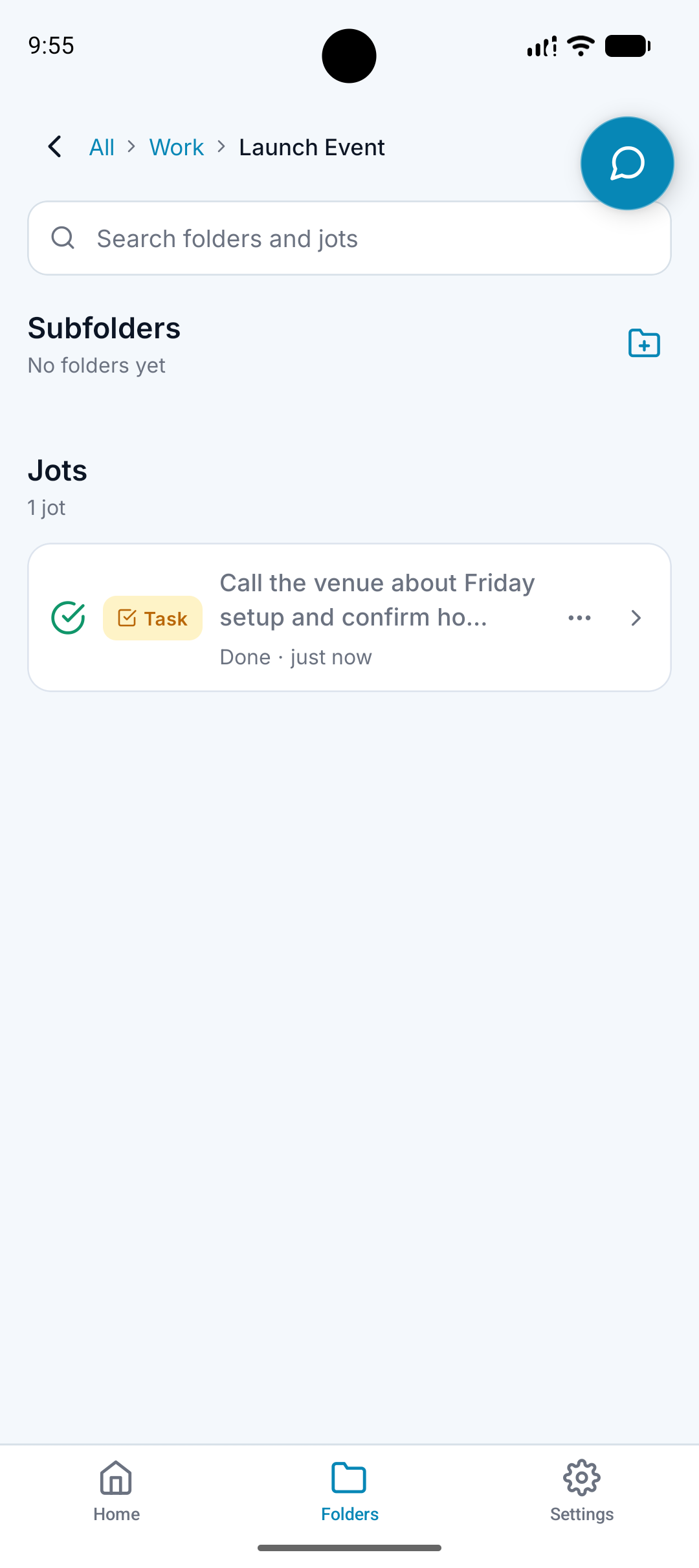
What it does
Detects tasks inside voice notes, typed notes, and meetings.
Recognizes dates and times that may need a notification.
Creates checkable task-style outputs.
Files tasks near the related note or folder context.
Why it matters
Tasks are easy to miss when they stay buried in a transcript or summary.
A follow-up is more useful when it is connected to the client, project, trip, or person it came from.
Reminders reduce the amount you have to hold in your head.
How it works
Step 1
Capture the instruction
Say the task, follow-up, date, or reminder in normal language.
Step 2
A.N.T. identifies the action
The app separates what needs to happen from the surrounding note.
Step 3
A.N.T. files it with context
The task or reminder stays connected to the right folder and source.
Reminder example
"Remind me Friday morning to check with Sarah before the Maine trip."
A.N.T. creates:
- Creates a reminder notification for Friday morning.
- Creates a task called Check with Sarah before the Maine trip.
- Files it under Travel / Maine Trip.
Questions this feature answers
Can A.N.T. create notifications?
Yes. Date and time references can become reminder notifications.
Are tasks only for meetings?
No. Tasks can come from quick notes, typed notes, uploaded audio, and meetings.
Related features
Your personal AI memory assistant
Capture it now.
Find it when you need it.
AI voice notes that organize themselves. Speak a thought, task, reminder, or meeting — A.N.T. AI files it where you'll actually find it later.


iOS & Android