AI learning
Fix Location And Teach A.N.T. How You Organize
Good AI organization needs a feedback loop. A.N.T. makes the folder decision visible and correctable.
The outcome
Correct the location once. Help A.N.T. make a better call next time.
What it does
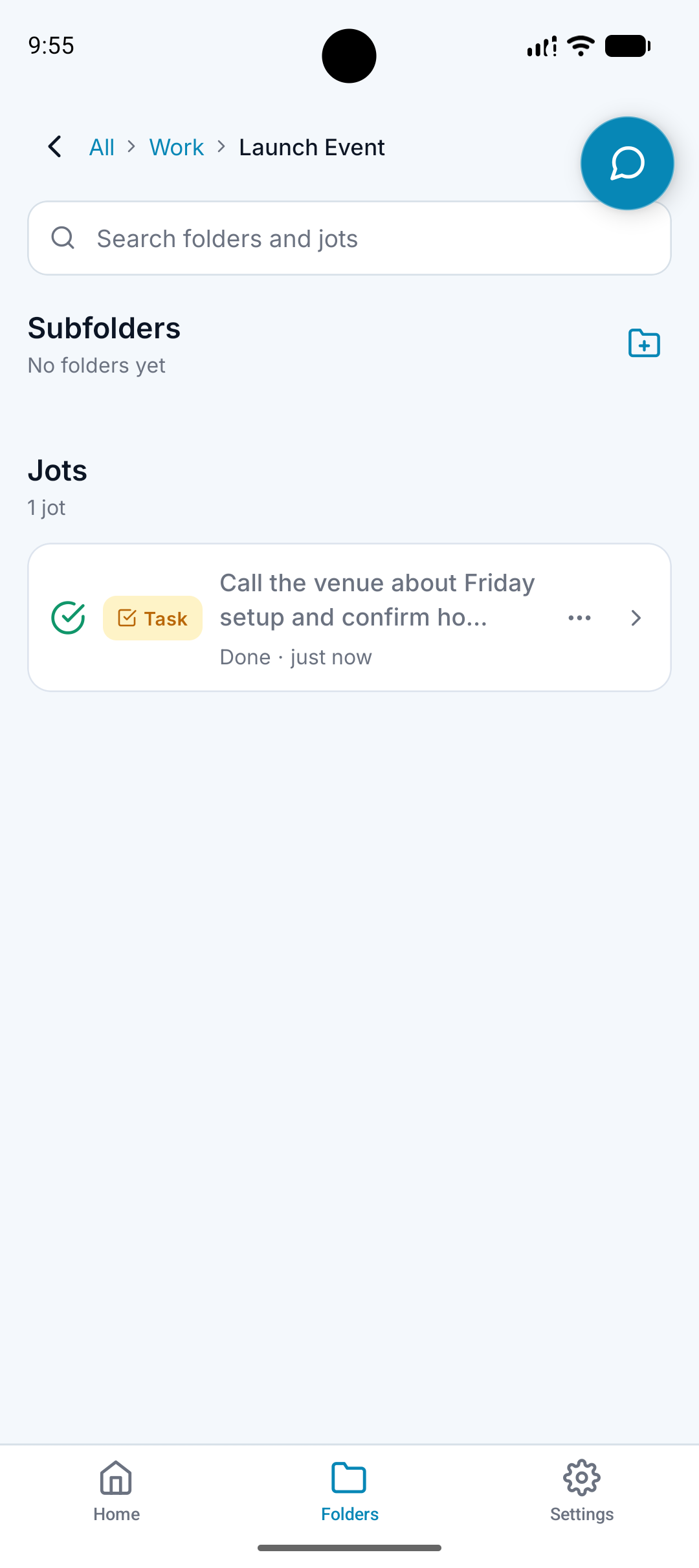
Shows where a note was filed.
Lets you correct the location when needed.
Uses corrections as preference signals.
Improves future organization around your structure.
Why it matters
AI filing will not be perfect every time.
Hidden decisions make automation feel frustrating.
A visible correction loop turns mistakes into training signals.
How it works
Step 1
A.N.T. files the note
The app chooses a folder based on the note and your existing structure.
Step 2
You inspect the location
The folder path stays visible so you can tell where the note landed.
Step 3
You correct it if needed
Moving the note teaches A.N.T. how you prefer similar notes to be organized.
Correction example
"A content idea lands under General Ideas, but it really belongs under Business / A.N.T. / Short Form."
A.N.T. creates:
- Move the note to the better folder.
- A.N.T. records that preference.
- Similar content ideas are more likely to land there next time.
Questions this feature answers
What happens if A.N.T. gets the folder wrong?
You can move the note. That correction becomes a signal that helps future filing decisions.
Does A.N.T. force one folder system?
No. It works with your folders and learns from how you correct its choices.
Related features
Your personal AI memory assistant
Capture it now.
Find it when you need it.
AI voice notes that organize themselves. Speak a thought, task, reminder, or meeting — A.N.T. AI files it where you'll actually find it later.


iOS & Android