
Google Drive
Google Drive Sync For Organized Notes
Some work needs to live outside the app. Google Drive sync helps structured notes move into a familiar file system.
The outcome
Keep the same organized thinking in Google Drive.
What it does
Connects organized notes to Google Drive workflows.
Helps meeting notes and structured outputs live in a familiar file structure.
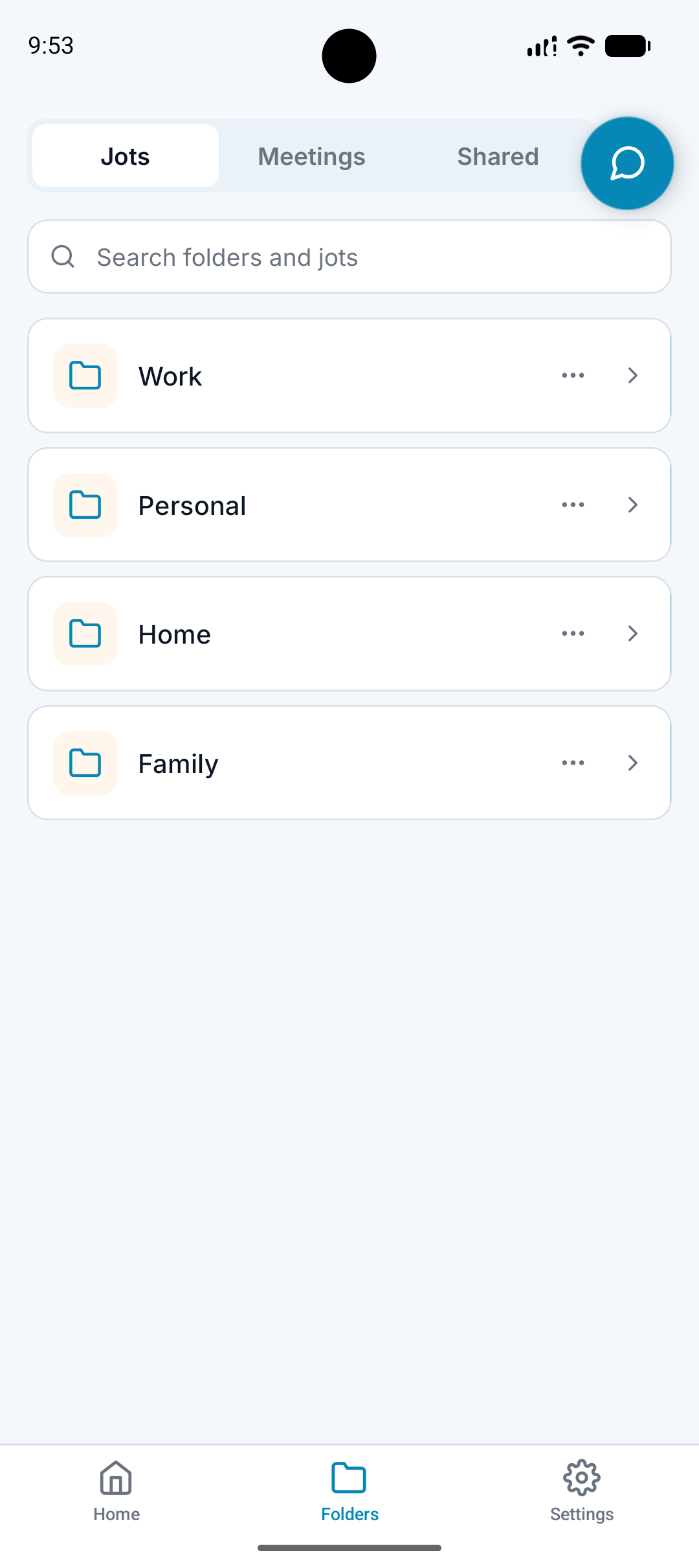
Supports folder-first organization beyond the app.
Keeps notes easier to share, archive, or reference.
Why it matters
Many people already use Google Drive as their long-term filing system.
A note app becomes more useful when it connects to where work already happens.
Folder structure should not stop at the edge of the mobile app.
How it works
Step 1
Capture in A.N.T.
Record, type, upload, or capture a meeting.
Step 2
A.N.T. organizes it
The note is structured and filed in the correct folder.
Step 3
Sync the result
Organized notes can move into Google Drive workflows where supported.
Drive example
"A client meeting creates a summary, decisions, and follow-up tasks."
A.N.T. creates:
- A.N.T. files the meeting under the client folder.
- The organized note can sync into a matching Google Drive structure.
- The team can reference the meeting outside the app.
Questions this feature answers
Why sync notes to Google Drive?
Google Drive is where many people already store project, client, and business files. Syncing helps A.N.T. fit into that workflow.
Is Google Drive required?
No. A.N.T. can organize notes inside the app. Google Drive is an optional connected workflow.
Related features
Your personal AI memory assistant
Capture it now.
Find it when you need it.
AI voice notes that organize themselves. Speak a thought, task, reminder, or meeting — A.N.T. AI files it where you'll actually find it later.


iOS & Android