
Todoist
Todoist Sync For Tasks From Notes
A.N.T. can pull tasks out of messy notes. Todoist sync helps those tasks move into the system where you manage work.
The outcome
Capture the task in a note. Let it continue in Todoist.
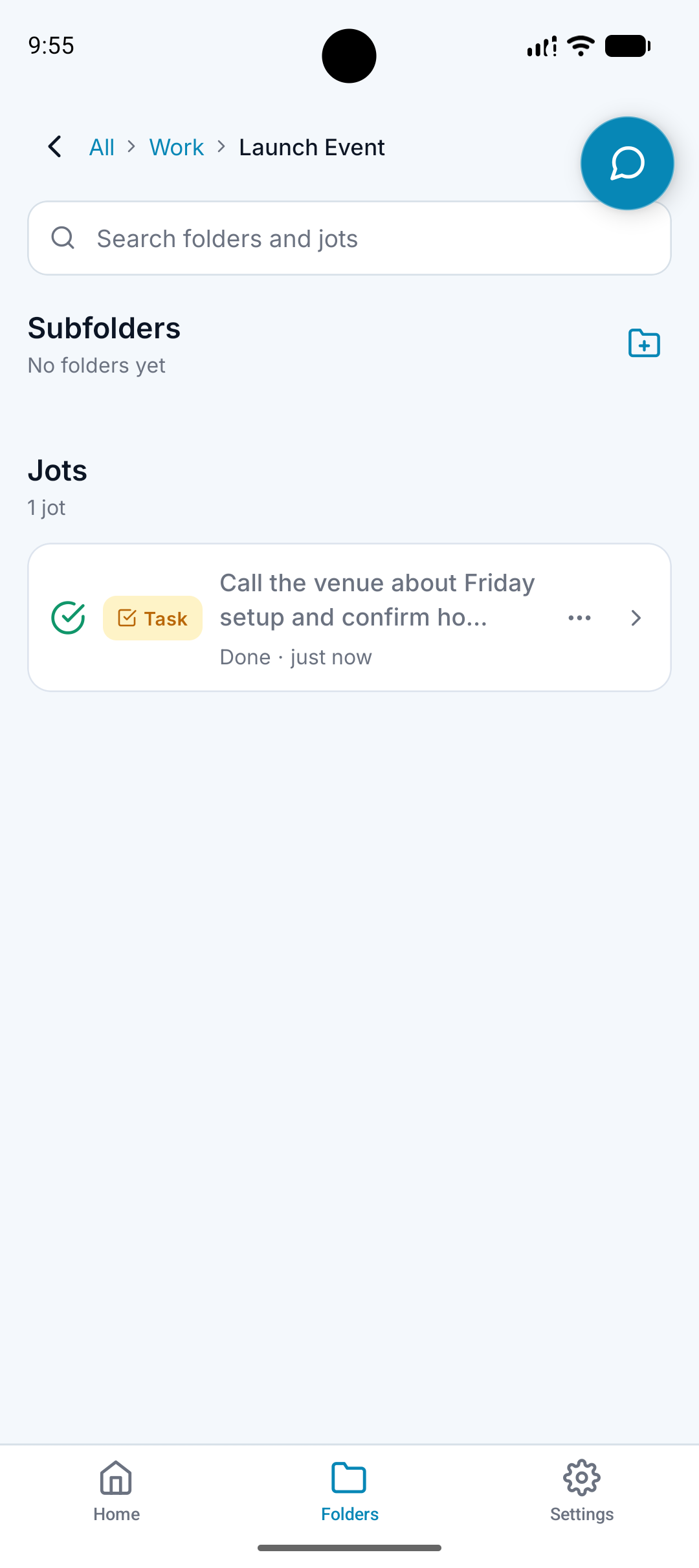
What it does
Detects task-style information in notes and meetings.
Creates structured tasks from natural language.
Can send tasks into Todoist workflows where connected.
Keeps the original note context in A.N.T.
Why it matters
People often capture tasks in the wrong place because it is faster.
Task managers work better when the task arrives cleanly.
A.N.T. reduces the gap between a quick note and an actual next step.
How it works
Step 1
Say the task naturally
Capture the follow-up inside a voice note, typed note, or meeting.
Step 2
A.N.T. extracts it
The action is separated from the rest of the note.
Step 3
Send it forward
When connected, the task can move into Todoist while the source stays organized in A.N.T.
Todoist example
"Remind me to send the proposal to Sarah Friday and follow up Monday."
A.N.T. creates:
- Creates task-style follow-ups.
- Preserves the note in the right folder.
- Sends actionable tasks into Todoist where supported.
Questions this feature answers
Does Todoist replace A.N.T. tasks?
No. Todoist is a connected workflow for people who want tasks in their task manager. A.N.T. still keeps the source and organization.
What kinds of tasks can sync?
The useful pattern is any task A.N.T. can detect from a note, meeting, reminder, or follow-up.
Related features
Your personal AI memory assistant
Capture it now.
Find it when you need it.
AI voice notes that organize themselves. Speak a thought, task, reminder, or meeting — A.N.T. AI files it where you'll actually find it later.


iOS & Android