
Uploaded audio
Upload Audio And Turn It Into Organized Notes
Not every important recording starts inside the app. Uploaded audio lets you bring existing recordings into the same organization flow.
The outcome
Bring outside audio into your organized note system.
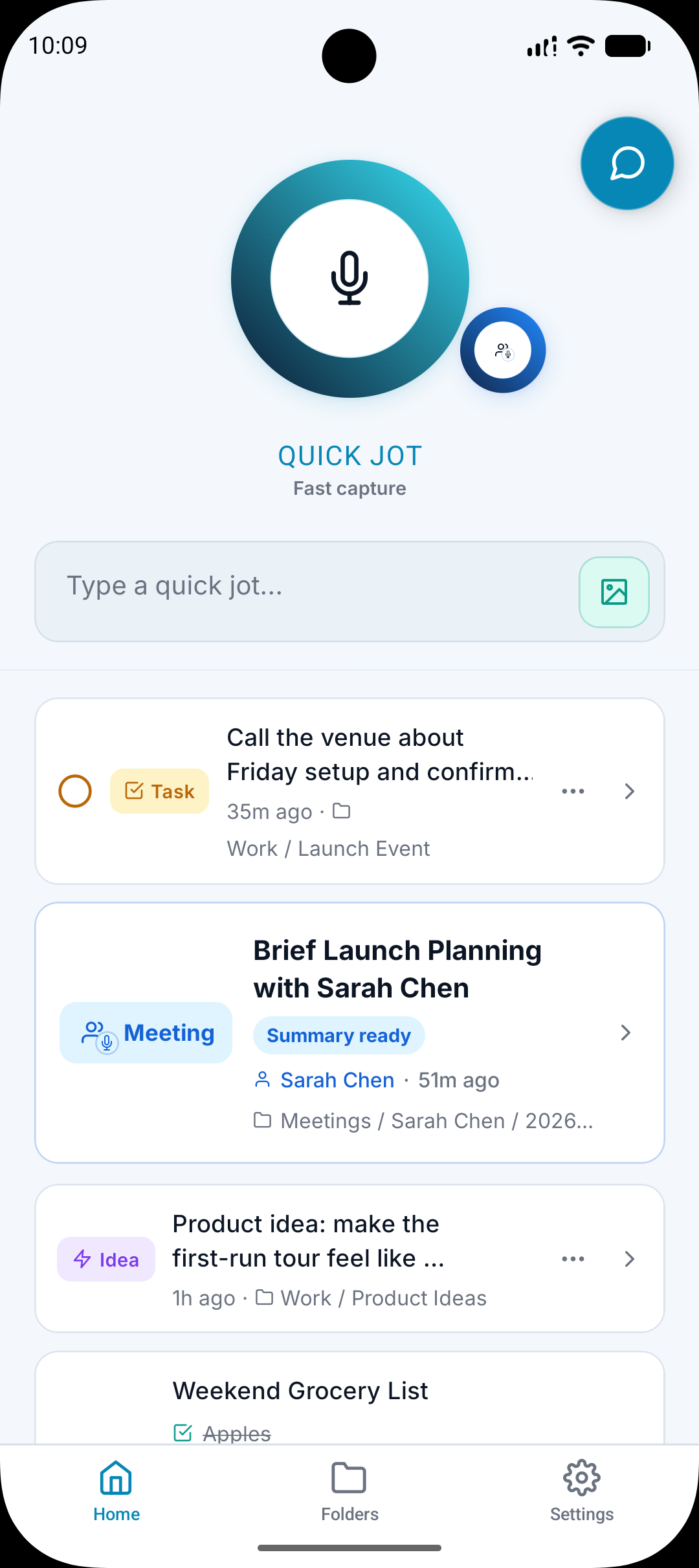
What it does
Accepts existing audio files.
Transcribes uploaded audio.
Cleans and structures the result.
Files the output into the right folder or subfolder.
Why it matters
Useful recordings may come from calls, voice memos, interviews, or other workflows.
Uploading prevents outside audio from becoming a separate pile.
The same organization system can handle both new captures and existing recordings.
How it works
Step 1
Upload the file
Choose an existing audio file that you want to process.
Step 2
A.N.T. transcribes it
The file becomes readable text that can be cleaned and reviewed.
Step 3
A.N.T. organizes it
The result is classified and filed like any other captured note.
Uploaded audio example
"A recorded client call includes pricing questions, onboarding details, and two follow-up tasks."
A.N.T. creates:
- Creates a client call note.
- Pulls out follow-up tasks.
- Files the note under the client or project folder.
Questions this feature answers
Can uploaded audio be organized like a normal note?
Yes. Uploaded audio can go through the same transcription, cleanup, classification, and filing flow.
Is uploaded audio useful for meetings?
Yes, especially when the meeting or call was recorded outside A.N.T. and needs to become organized afterward.
Related features
Your personal AI memory assistant
Capture it now.
Find it when you need it.
AI voice notes that organize themselves. Speak a thought, task, reminder, or meeting — A.N.T. AI files it where you'll actually find it later.


iOS & Android