Offline recording
Offline Recording For Voice Notes
When you have the thought, the capture moment matters. Offline recording helps you save the audio even before processing can finish.
The outcome
Capture now. Process when your connection is back.
What it does
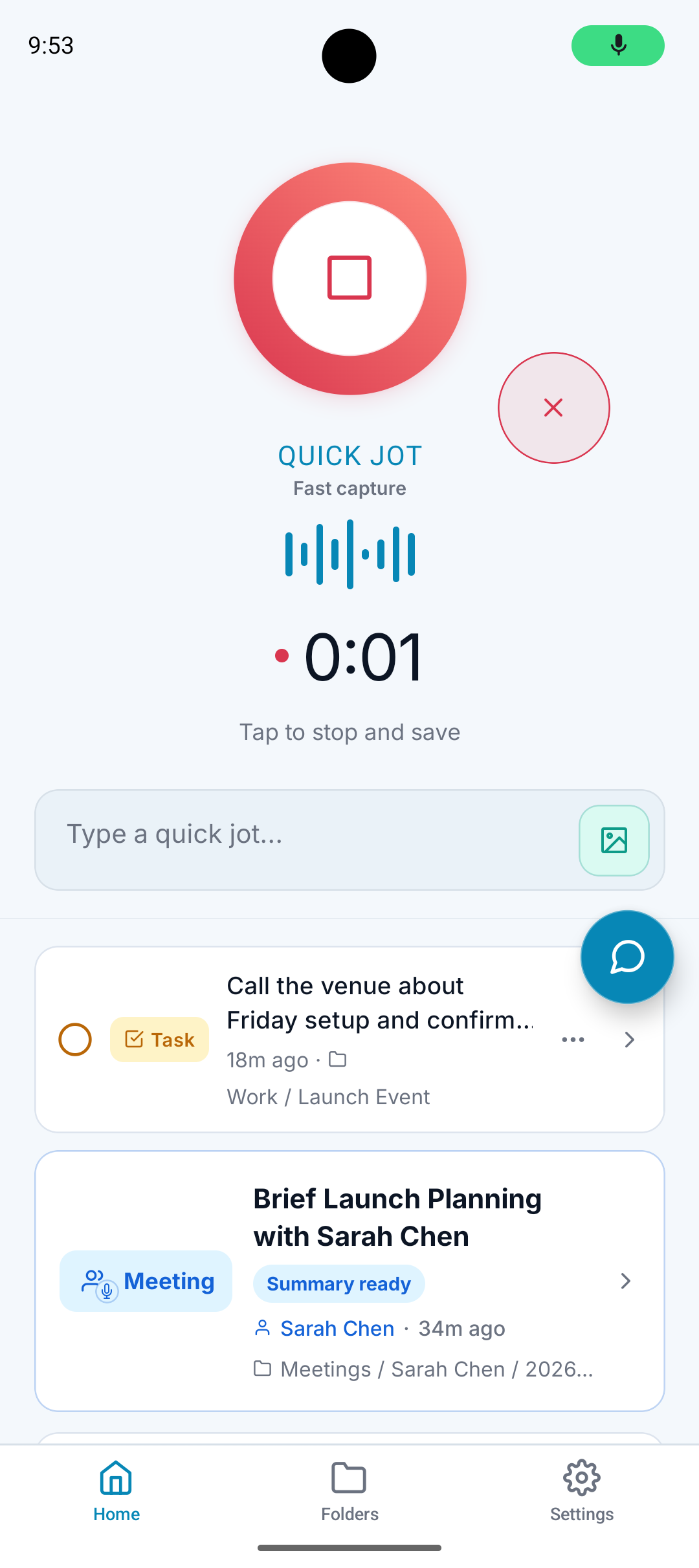
Lets you record audio when the network is unreliable.
Saves the capture moment instead of forcing you to wait on processing.
Processes the note once the app can reconnect.
Keeps capture and AI organization as separate steps.
Why it matters
Ideas do not wait for perfect service.
A failed capture is worse than a delayed transcript.
Offline recording keeps the note-taking habit intact when the connection is not ideal.
How it works
Step 1
Record locally
Start the recording even if your connection is weak or missing.
Step 2
Save the audio
A.N.T. keeps the capture so it is not lost just because processing has to wait.
Step 3
Process later
When the app reconnects, the note can be transcribed, cleaned, and organized.
Offline example
"Quick idea for the client proposal: add a section about onboarding and send it tomorrow."
A.N.T. creates:
- Records the idea immediately.
- Processes it when connection returns.
- Creates a note and follow-up task under the client folder.
Questions this feature answers
Does offline recording mean the AI runs offline?
No. The important part is that the audio can be captured first. AI transcription and organization can happen when the app reconnects.
Why is offline capture useful?
Because the thought is often the fragile part. You can wait for processing, but you cannot always recreate the original idea later.
Related features
Your personal AI memory assistant
Capture it now.
Find it when you need it.
AI voice notes that organize themselves. Speak a thought, task, reminder, or meeting — A.N.T. AI files it where you'll actually find it later.


iOS & Android